Adding clothing from your Cultivator Profile
Some SEED packs come with perks like limited clothing items. These are actually added to your Cultivator profile, which you can access on the top left of the screen.
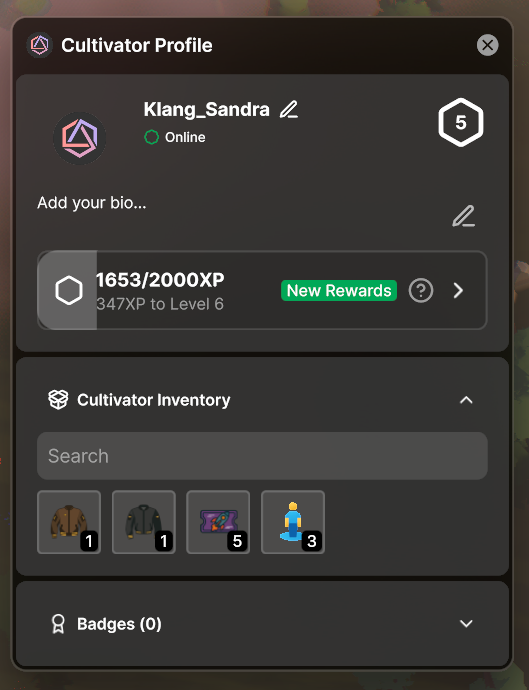
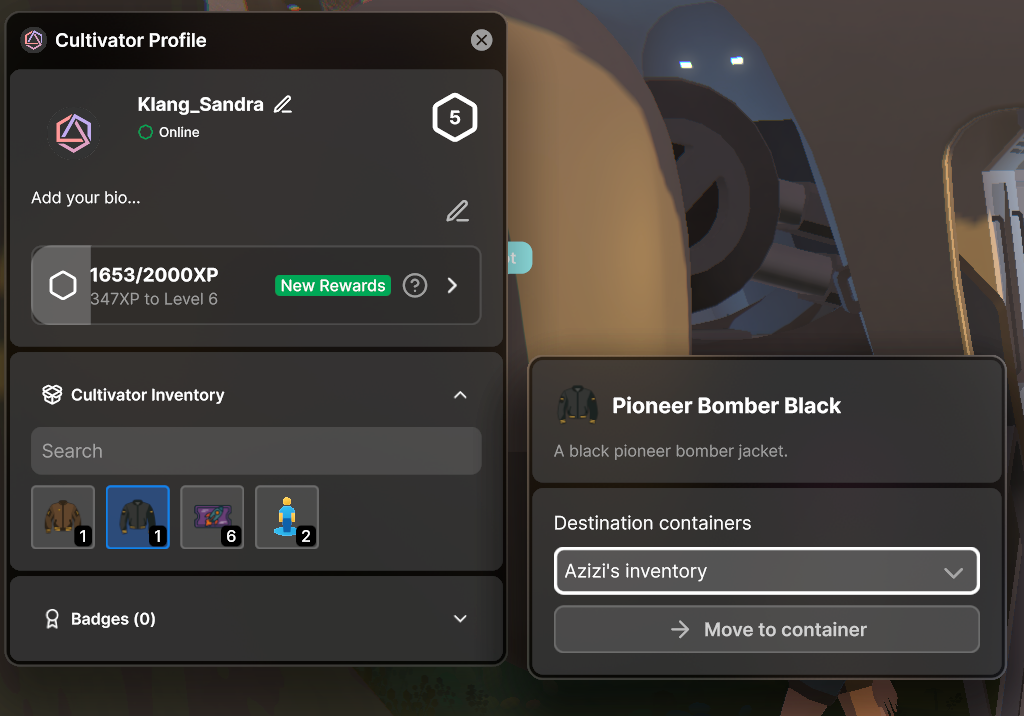
Click on the clothing item and choose to move it to your container. Please ensure you move it to a container owned by your Seedling and NOT the Kernel. If it's added to the Kernel, any Seedling can access it.
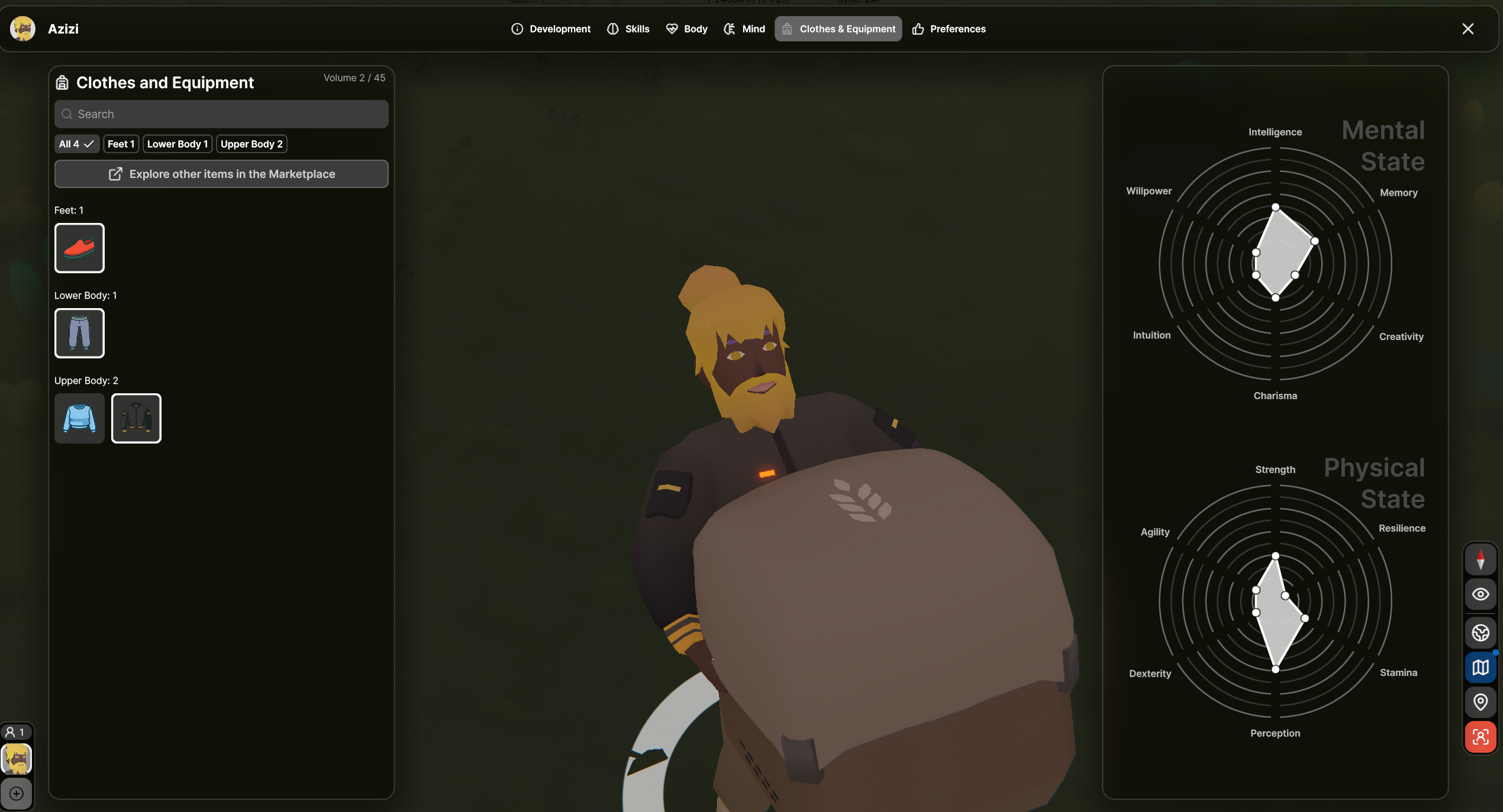
Once the item is in your Seedling backpack you can enter Focus Mode by choosing the icon on the bottom left of the screen. Go to Clothes & Equipment and select which clothes to wear.
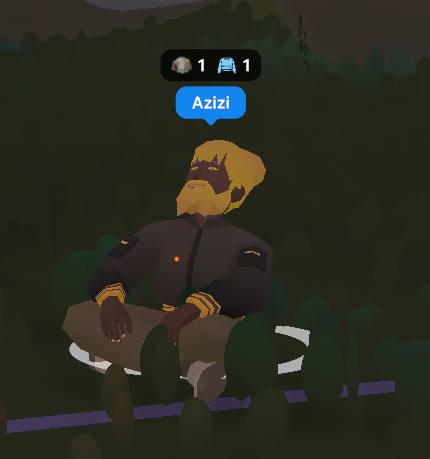
Your Seedling will be rocking those new clothes in no time!
Was this helpful?